

As a hosting or domain customer of Prystine, you'll have full access to your services via our control panel.
This will allow you to make certain top level changes should you wish, which we'll cover below.
Logging in to our control panel
To login, please click here.
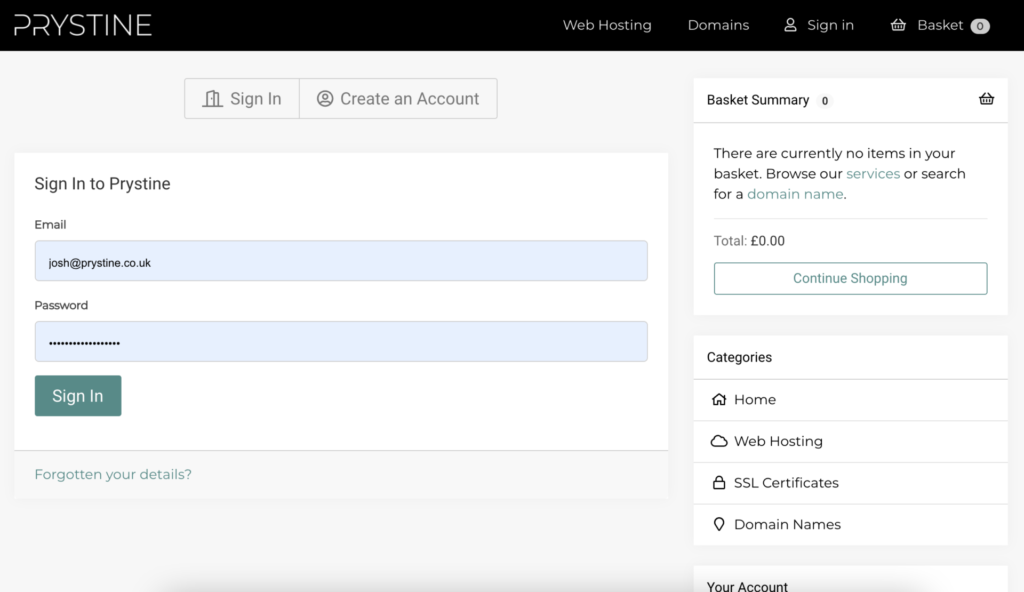
You'll then be confronted with a web page that looks similar to figure 1 below. Simply fill in your email address and the password you set when creating the account and hit 'Sign In'.
Navigating the dashboard
Once in, you'll see a dashboard page similar to figure 2 below.
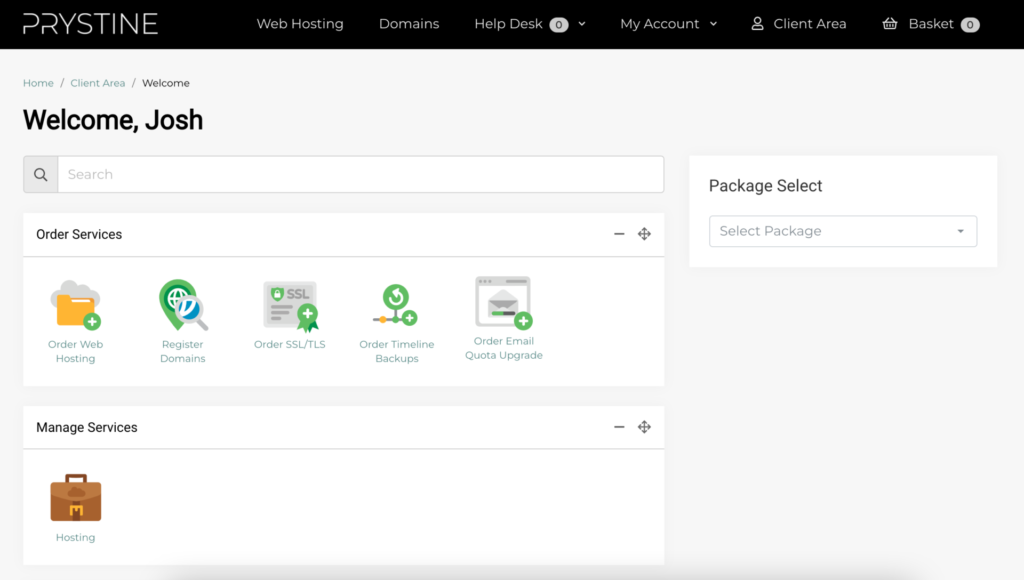
From here, you'll see various icons that will allow you to manage the services you have with us, such as your hosting, domains & SSLs.
You'll also be able to raise support tickets, access our client specific support database and edit your account & billing information.
Please be aware, making changes to your services via the Control Panel can cause serious issues when not done correctly. Don't worry though, if you need assistance, we're here to help, just get in touch.